 12 Testers Community
Your 14-day closed test, step by step
Here is exactly what happens from the moment you add your app until you apply for production.
The Pack timeline
Add your app
Enter the package name and test instructions, then add the community Google Group to your closed testing track once.
Everyone installs every app
Members have 24 hours to install the 15 other apps. A member who can't be installed after several reports is removed.
Open apps every day
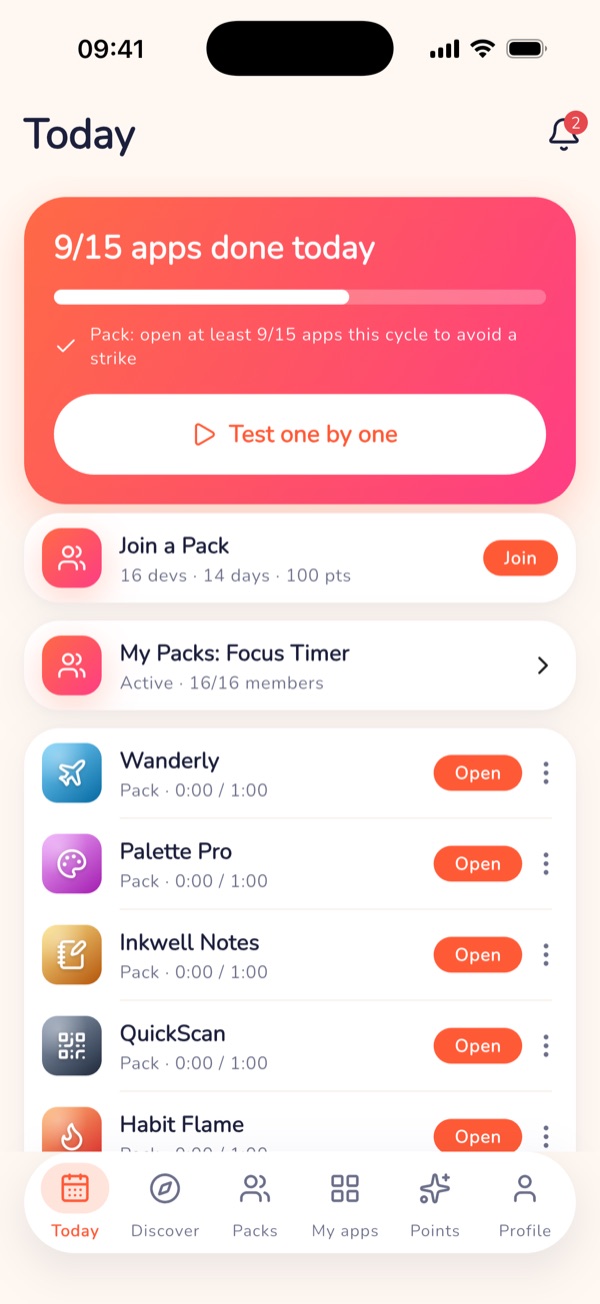
Each 24-hour cycle, open your assigned apps for at least 30 seconds. Opening 60% or more keeps you safe.
Stay opted in
After 14 cycles members stay opted in while you send your production request, so your tester count never drops.
Apply in Play Console
Answer Google's questions and submit. If Google asks for more testing, claim your free re-run.
One Google Group for every tester
Instead of collecting dozens of email addresses, you add one Google Group to your closed test. Every community member is in that group, so testers can opt in and install your app from Google Play right away.
- Set it up once per app
- New members get access automatically
- Works with Google's opt-in link
Earn points with quick tests
Quick tests are short, one-off tests of other developers' apps. Use the points to join Packs or to get quick tests for your own app.
- Open the app for at least 30 seconds
- Owners choose the reward, from 35 points up
- Reopen daily for 20 extra points, up to 14 days
Prefer not to test every day?
With Starter or Pro, testers who earn points for daily use open your app for 14 days. Testers who stop are dropped and replaced.
- 15 or 25 testers
- No daily routine for you
- Track progress in the app
Pack rules at a glance
Ready to start your 14-day closed test?
Install the free app, add your Android app and join a Pack of 16 developers today.
GET IT ONGoogle Play